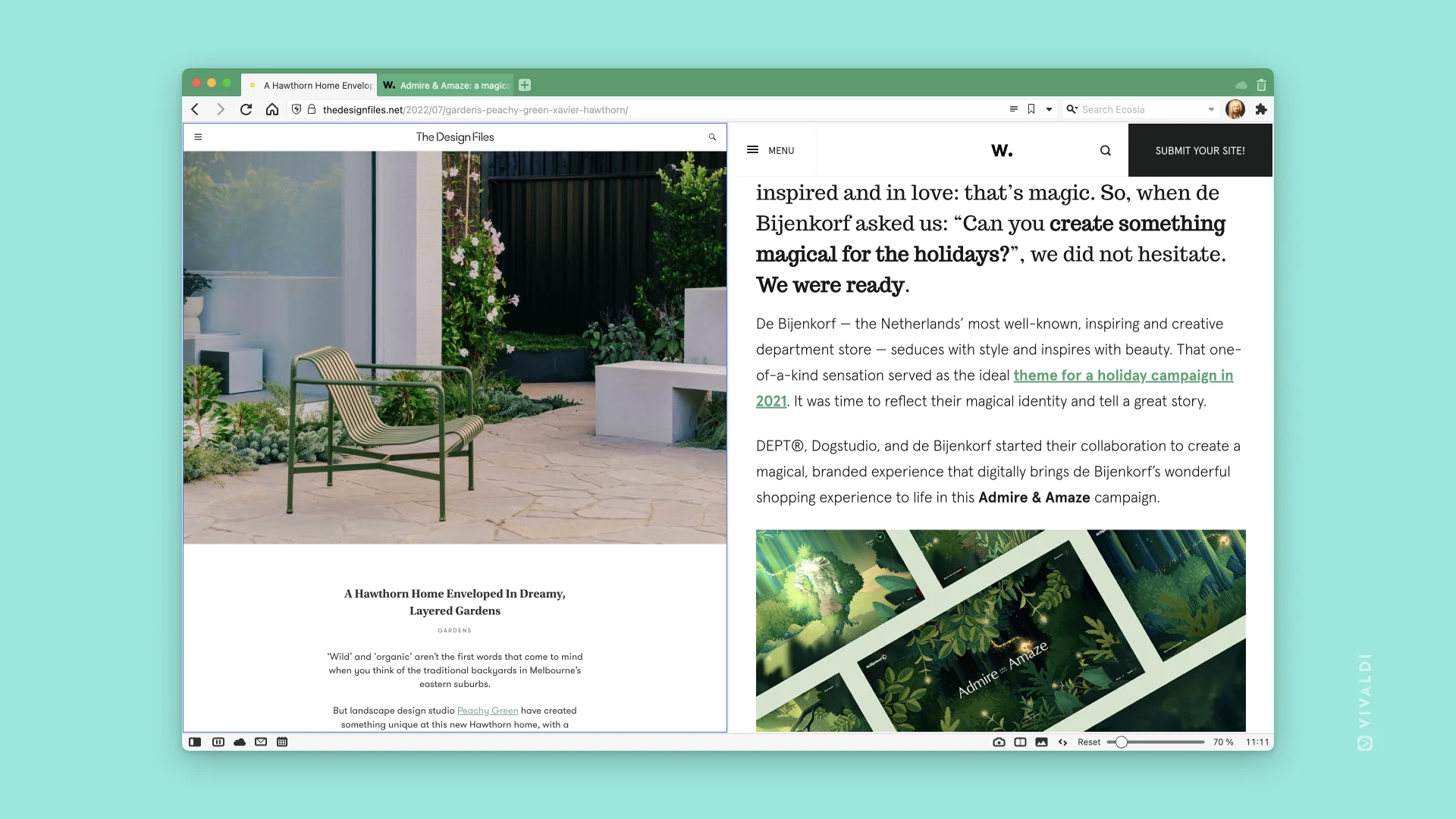
Hi guys, actually I was a hardcore Firefox and Brave browser user. Which means I have already used some of the most powerful browsers available today.
Some days ago I posted a negative review about the Vivaldi browser, and another person commented that Vivaldi is not just a Chrome fork, but more than that. So I thought: am I misunderstandings about Vivaldi? Is Vivaldi really awesome and equivalent to Firefox and Brave?
So I installed it and tried it out.
Installation & First Impressions
I am running Debian (for some reason I switched to Fedora KDE). Native Debian repositories don’t carry Vivaldi, but it’s easily downloadable from their official website as a .deb package. When you install the package, it automatically appends its repository to your Debian source list for automatic updates.
When I first launched Vivaldi, it welcomed me with a setup wizard. I needed to click through 6 to 7 times on the “Next” button just to land on the actual start page. I expected a minimal browser startup, but that’s fine—maybe it’s just part of their customization push.
On the default homepage, there are several built-in speed dial bookmarks. These are likely Vivaldi’s sponsors and partners—after all, they have to generate revenue to maintain the project.
The default search engine is Startpage, which is a great choice! (By the way, Firefox still ships with Google as the default, which I really dislike).
Customization & Sync
There are tons of options to customize the browser and make it your own, including a built-in sync feature to keep settings aligned across platforms.
However, Sync doesn’t seem to sync everything. Only basic browser settings transferred over.
Extension settings were a hit or miss:
- SponsorBlock and Return YouTube Dislike synced properly.
- AI Block for YouTube and Reddit Enhancer completely failed to sync across devices.
The Built-in Ad & Tracker Blocker
I really need to talk about Vivaldi’s built-in blocker.
Vivaldi ships with an ad and tracker blocking shield (turned off by default), but it feels much less efficient at eliminating ads and cosmetic filter clutter on web pages. On popular news sites (outside YouTube and Reddit), I still encountered visible ads and promotional banners.
Running online tracker blocking tests never yielded a 100% protection score using just Vivaldi’s native shield.
Extension Nightmare & Manifest V3 (MV3)
In cases where built-in blockers fail, extensions and filter lists usually come to the rescue. But recently, installing and managing extensions on Vivaldi has turned into a hassle.
- No Sideloading: Sideloading
.crxfiles by dragging and dropping them into the browser is completely broken. - Annoying Web Store Popups: Visiting the Chrome Web Store throws a continuous “Switch to Chrome” popup. Even after turning on the User-Agent Brand as Chrome inside Vivaldi’s settings, the popup persists.
- Manual Zip Extraction: The fallback is downloading
.zipfiles of extensions, extracting them, enabling Developer Mode undervivaldi://extensions, and loading them unpacked. But even then, effectiveness is hit-or-miss.
I know this isn’t intentionally done by Vivaldi—Google’s architectural shifts caused this. But Google completely wiped Manifest V2 (MV2) from Chromium-based browsers (except ungoogled-chromium, Brave, Helium, etc.).
Vivaldi is an independent company—why follow Google’s strict playbook so closely? Why not make their native adblocker significantly more powerful, or build direct compatibility for uBlock Origin or AdGuard?
I eventually figured out a way to sideload uBlock, but it still doesn’t function as flawlessly as it used to.
The uBlock Lite Crash Loop
Many users suggest switching to uBlock Lite.
While uBlock Lite now supports adding custom filter lists, adding 3 external lists caused the extension to crash consistently inside Vivaldi. Reopening the extension settings panel revealed a blank state—no filter lists shown at all. The only way out was completely resetting the extension, wiping out any custom configurations.
Desktop Environment Quirks (KDE vs. GNOME)
On KDE (Wayland), the browser ran smoothly.
However, on GNOME, I couldn’t drag and reorder installed extensions on the toolbar by holding Ctrl. While GNOME is infamous for weaker drag-and-drop support, this toolbar reordering action works fine on every other browser I use (Brave, ungoogled-chromium, Helium, Firefox).
Opening a support thread on the Vivaldi forums didn’t yield a clear resolution either.
Conclusion
At the end of the day, Vivaldi is a solid browser if you prioritize productivity, heavy visual customization, and an abundance of granular controls.
But what about privacy? Is there anything truly privacy-centric beyond an insufficient built-in ad/tracker blocker?
I really hope Vivaldi and its developer team take a deeper look into modern web privacy protections and level up their ad-blocking engine.
Thank you for reading!